Product
From what you know to a finished course, step by step.
Skill7 does the heavy lifting of course design, with an AI assistant that drafts for you. You stay in charge of every word.
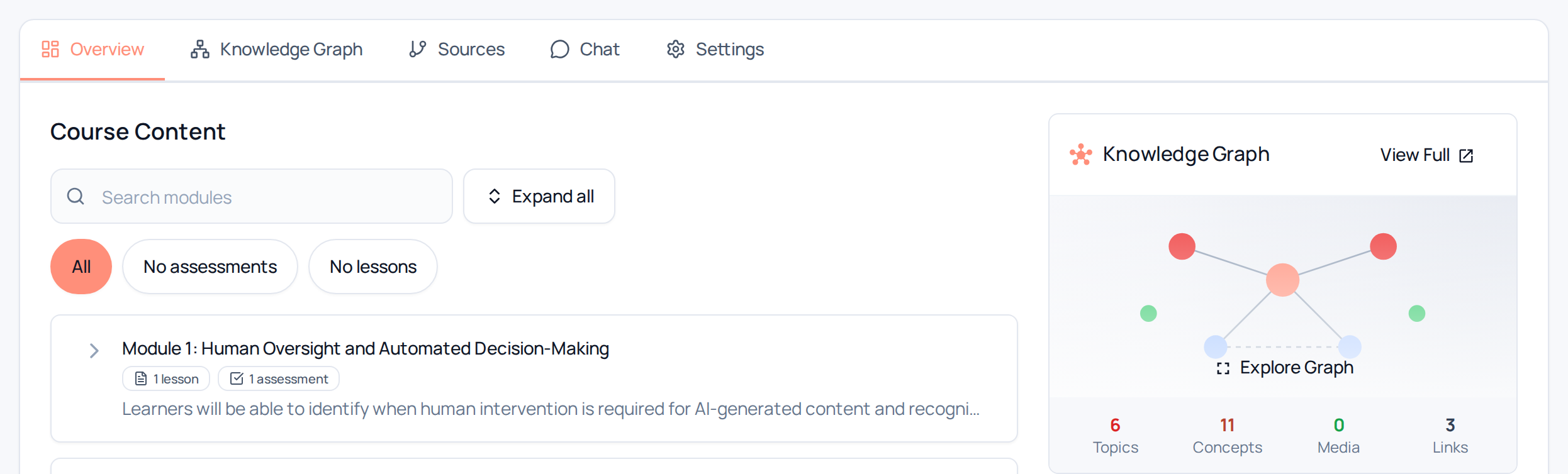
Real Skill7 screen.
01 · Bring what you know
Your SOPs, handbooks and policies, as PDF or Word files, web pages or pasted text.
- PDF and Word files, web links or pasted text
- Your handbooks, SOPs and policies, as your team uses them today
02 · Plan
Skill7 maps what your documents cover into a clear course plan, organised into modules.
- A map of what your documents cover
- A clear course plan, organised into modules
Real Skill7 screen.
03 · Shape
Skill7’s AI assistant drafts lessons, diagrams, flashcards and quizzes, in a scroll or slide format.
- Lessons drafted from your documents
- Diagrams, flashcards and knowledge checks
- Scroll format for reading, slide format for presenting
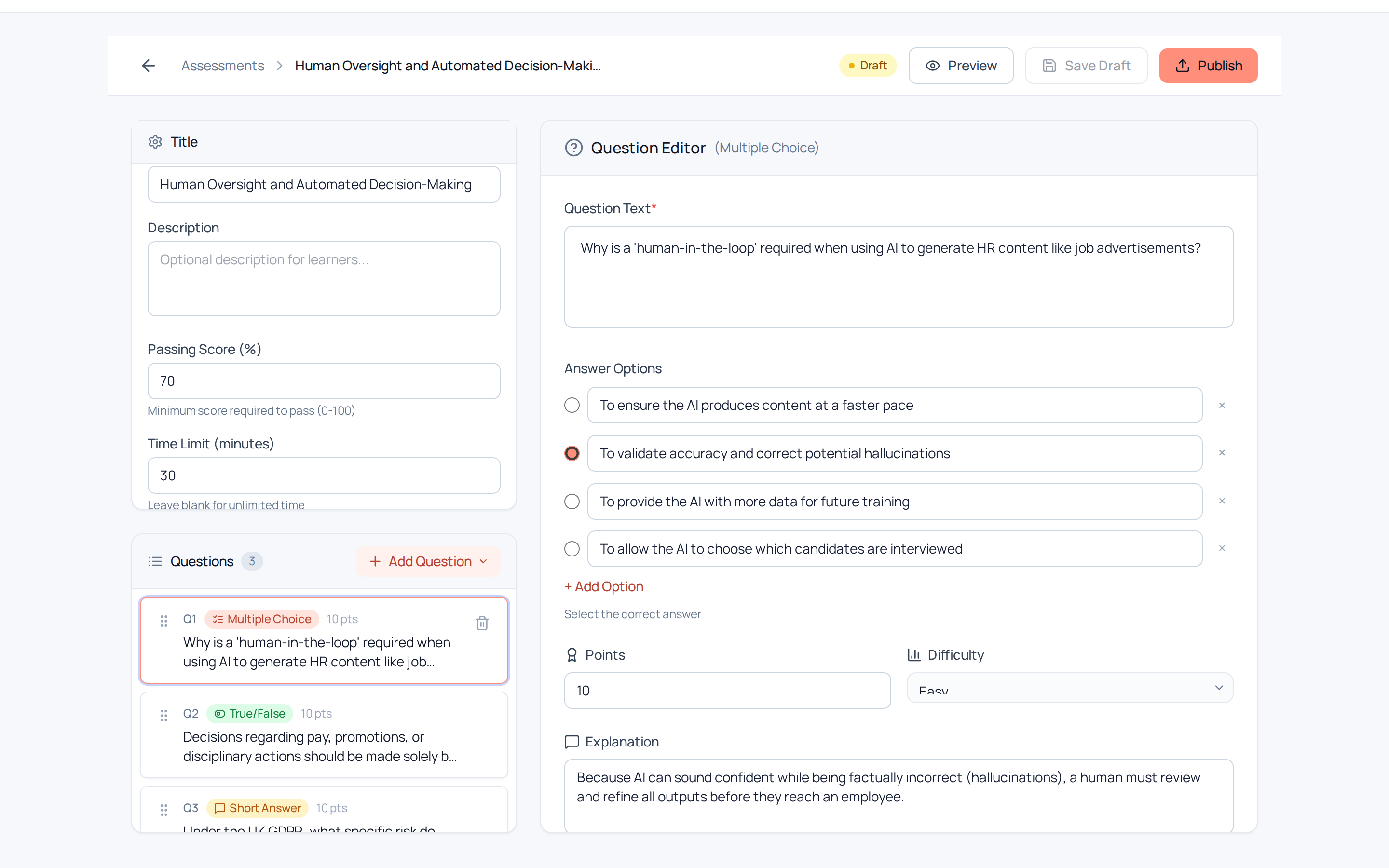
Real Skill7 screen.
04 · Polish
Review and edit every lesson, so it reads in your words.
- Edit anything yourself: lessons, quiz questions and diagrams
- Regenerate a lesson with AI when you want a fresh take
- You stay in charge of every word
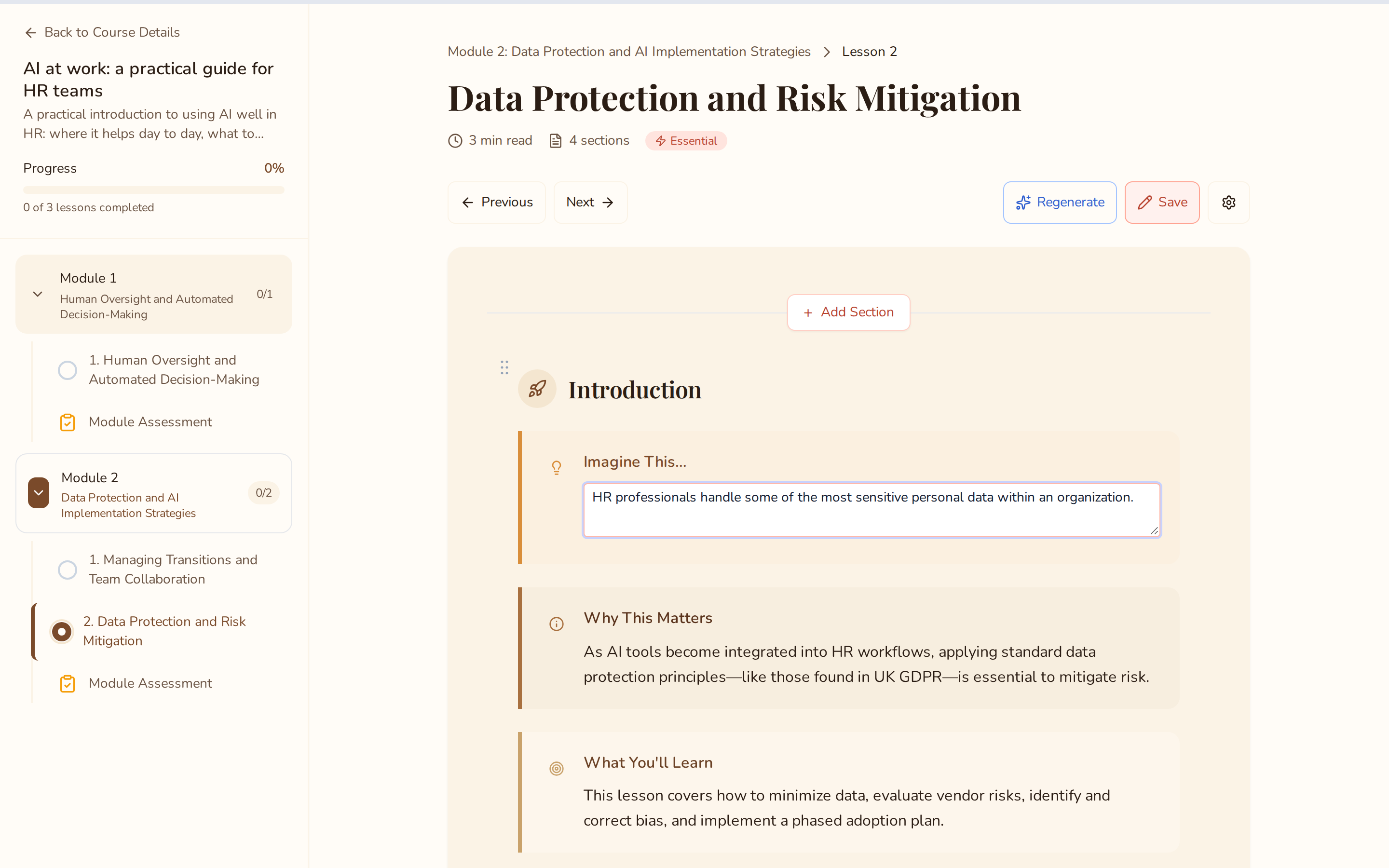
Real Skill7 screen.
05 · Share
Share with your team in Skill7, with enrolment, progress and completion reporting built in, or export SCORM 1.2 or 2004, xAPI, cmi5 or DOCX.
- SCORM 1.2 and 2004, xAPI and cmi5 packages that track completion and scores
- DOCX for review or print
- Or share with learners directly in Skill7, no LMS needed
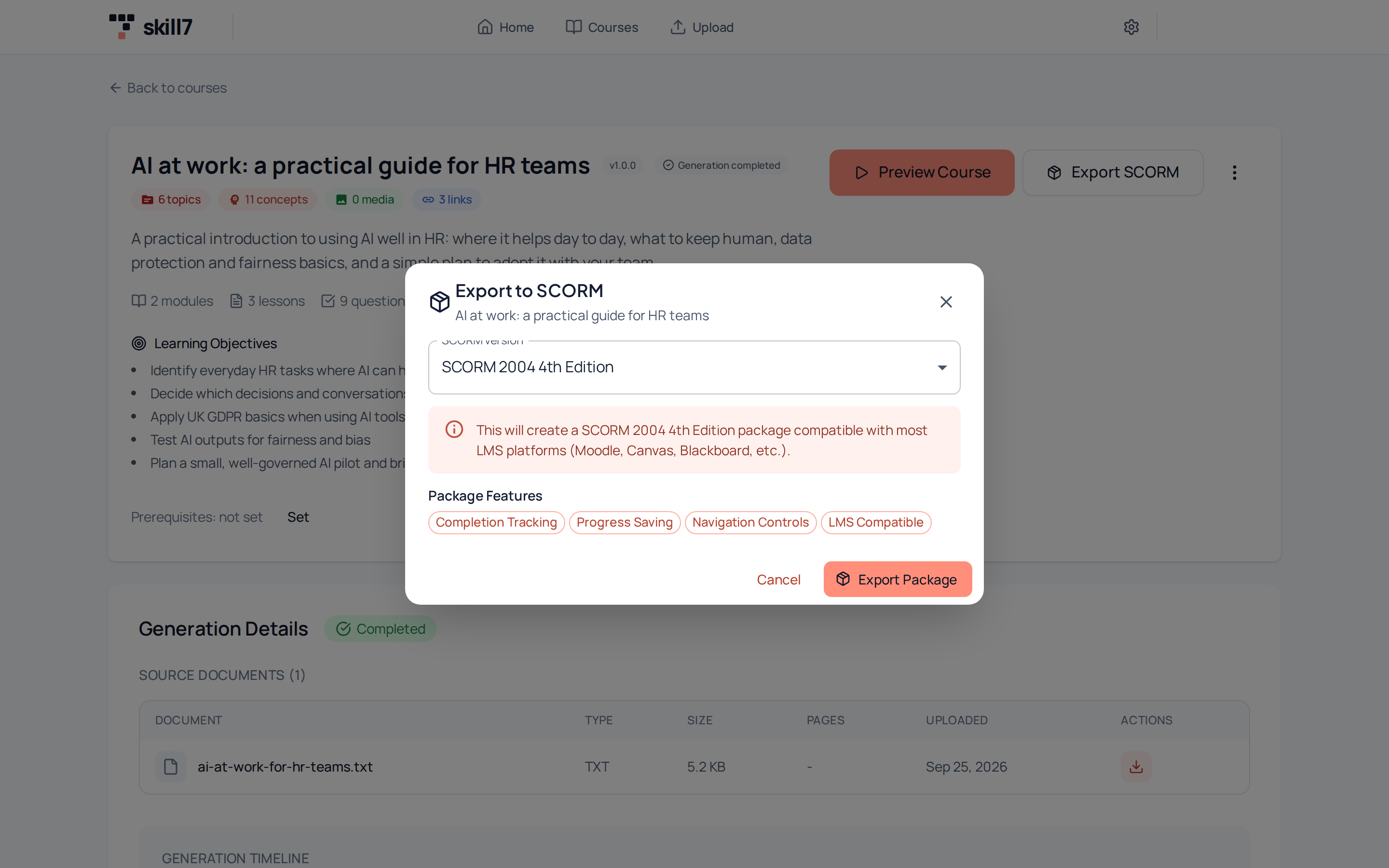
Real Skill7 screen.
Your documents stay yours
Built from your documents
Your documents are used to build your courses. We don’t use them to train AI models.
You review everything
Every lesson can be reviewed and edited before you share it.
Privacy-friendly analytics
Our site analytics are cookieless until you choose otherwise, and hosted in the EU.
Yours to remove
Ask us at hello@skill7.ai and we’ll delete the details you’ve shared with us.
Formats and branding
Scroll format
Read at your own pace
A long-form lesson page with headings, diagrams and inline checks.
Slide format
Present or click through
A deck-style course for workshops and guided sessions.
Brand kit
Looks like your company
Each organisation has its own brand kit for its courses.
Learner view
Your people learn right here in Skill7, with enrolment and progress built in, so there’s no separate LMS to set up. Already have an LMS? Export SCORM, xAPI or cmi5 and add it there.
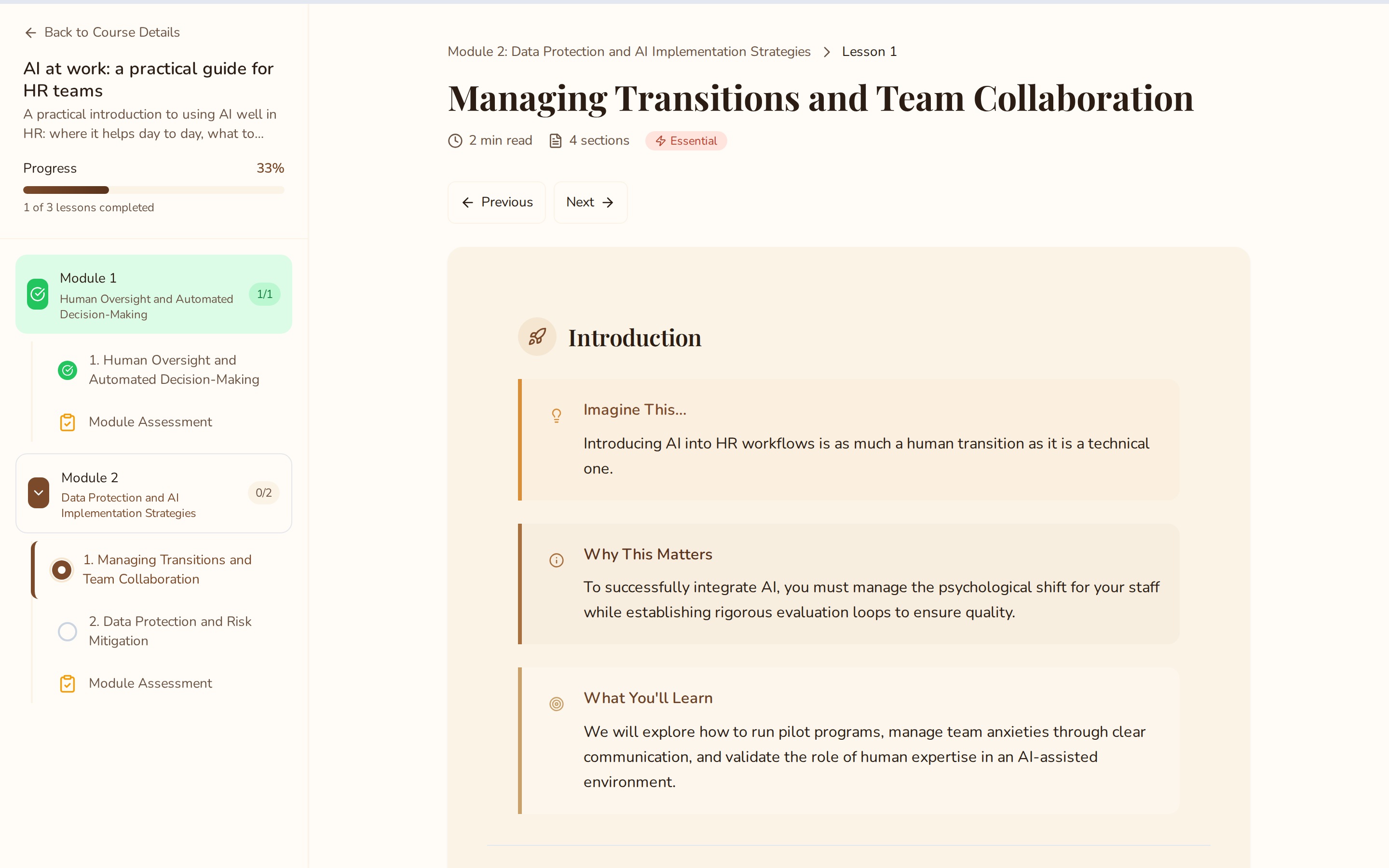
Real Skill7 screen.
What you can export, and common questions
What you can export today
- SCORM 2004 (4th edition)Available
- SCORM 1.2Available
- xAPIAvailable
- cmi5Available
- DOCX (Word)Available
Skill7 exports standard SCORM packages.
Do we need an LMS?
No. Your team can learn directly in Skill7, with enrolment and progress built in. If you already use an LMS, export a SCORM, xAPI or cmi5 package and add it there.
Can we see who’s completed their training?
Yes. Admin reporting shows who’s completed what, and you can export completion records whenever you need them.
What happens when a policy changes?
Edit the lessons it affects yourself, or regenerate a lesson with AI, then review it before you share. You stay in charge of every word.
What happens to our documents?
Your SOPs, handbooks and policies are used to build your courses. We don’t use them to train AI models. Every lesson can be reviewed and edited before you share it, and you can ask us at hello@skill7.ai to delete the details you’ve shared with us.
Can I edit my course?
Yes. Edit anything yourself, from lessons and quiz questions to diagrams, or regenerate a lesson with AI when you want a fresh take. You stay in charge of every word.
Which LMSs does the SCORM export work with?
Skill7 exports standard SCORM packages, so you can add them to any LMS that supports SCORM 1.2 or 2004, such as Moodle, TalentLMS or Docebo.
Does it support SCORM 1.2 or xAPI?
Yes. Skill7 exports SCORM 1.2, SCORM 2004, xAPI and cmi5, so you can pick whichever your LMS accepts.