Early access · AI-assisted course authoring
Your team already knows the way. Now everyone can learn it.
Bring your handbooks and policies. Skill7 drafts the lessons, quizzes and diagrams, and you stay in charge of every word. Learn right here in Skill7, or export SCORM for the LMS you already use.
- No LMS needed
- Exports standard SCORM
- We don't train AI on your documents
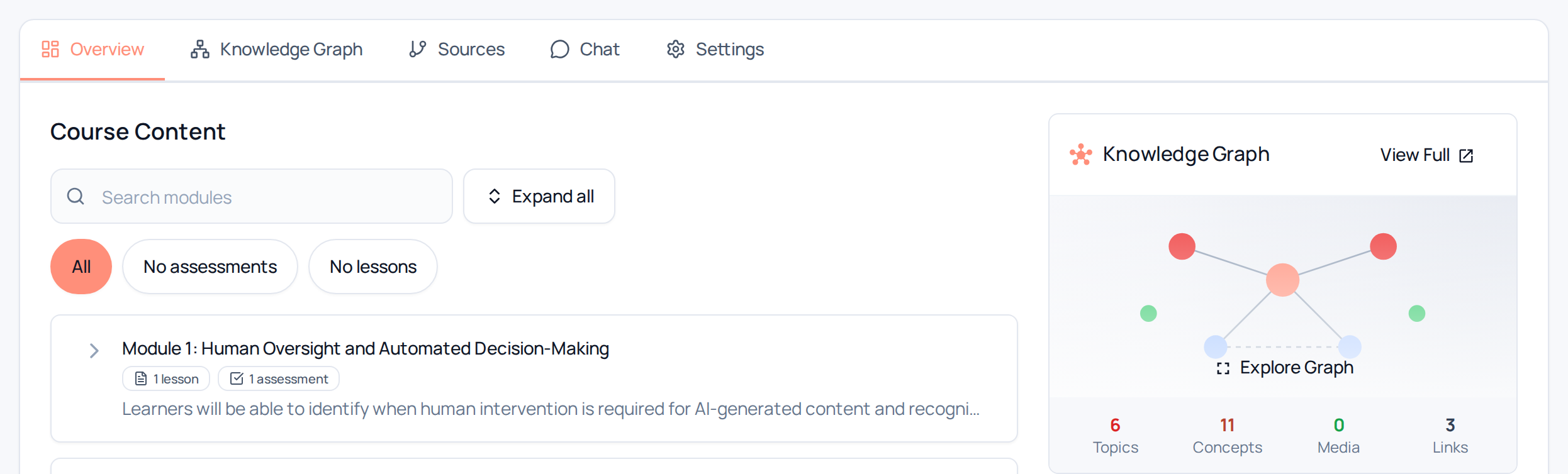
Real Skill7 screen.
Exports standard SCORM packages
- Moodle
- TalentLMS
- Docebo
- LearnUpon
- + any SCORM LMS
Who it's for
Made for the people who share what they know.
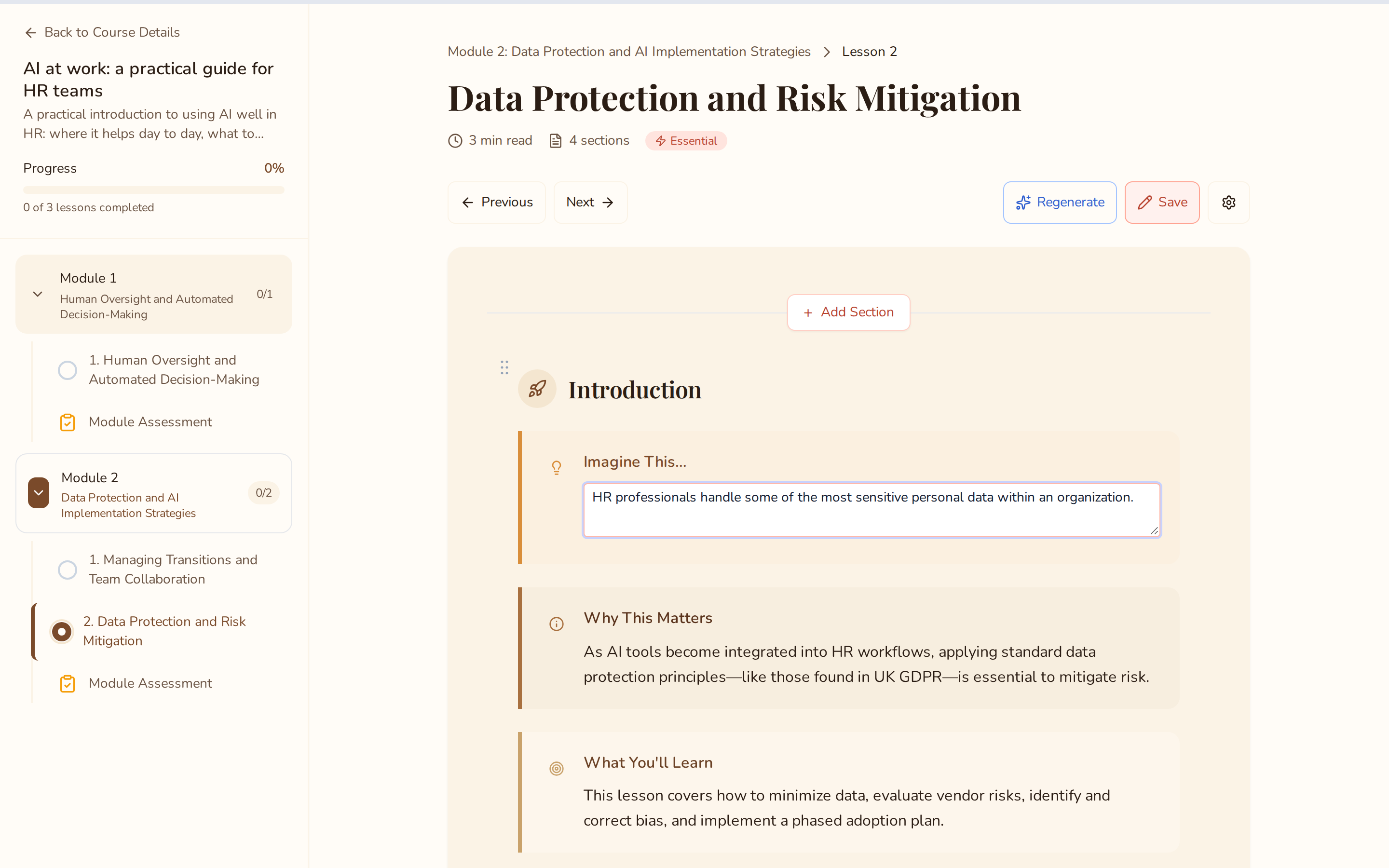
Real Skill7 screen.
Training is one of many hats you wear.
You already know how your team works, and much of it is written down. Skill7 turns those documents into courses your people finish, with lessons, quizzes and everyone’s progress in one place.
- Start from what you have: SOPs, handbooks and policies.
- Edit anything yourself, or regenerate a lesson with AI.
- Share in Skill7 with enrolment and progress, or export SCORM.
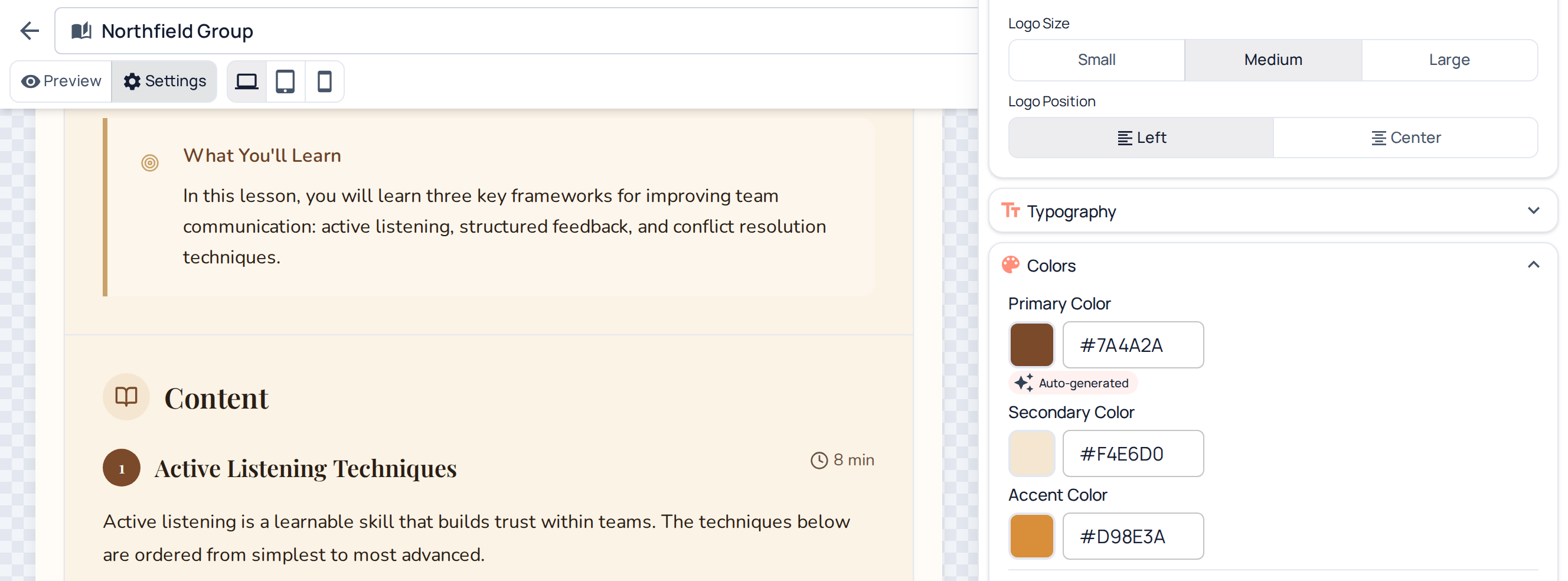
Real Skill7 screen.
Your craft, with more time for it.
Give every client their own workspace and brand kit. Skill7 takes the first draft, so you can focus on the story, the scenarios and the polish.
See how studios use Skill7 →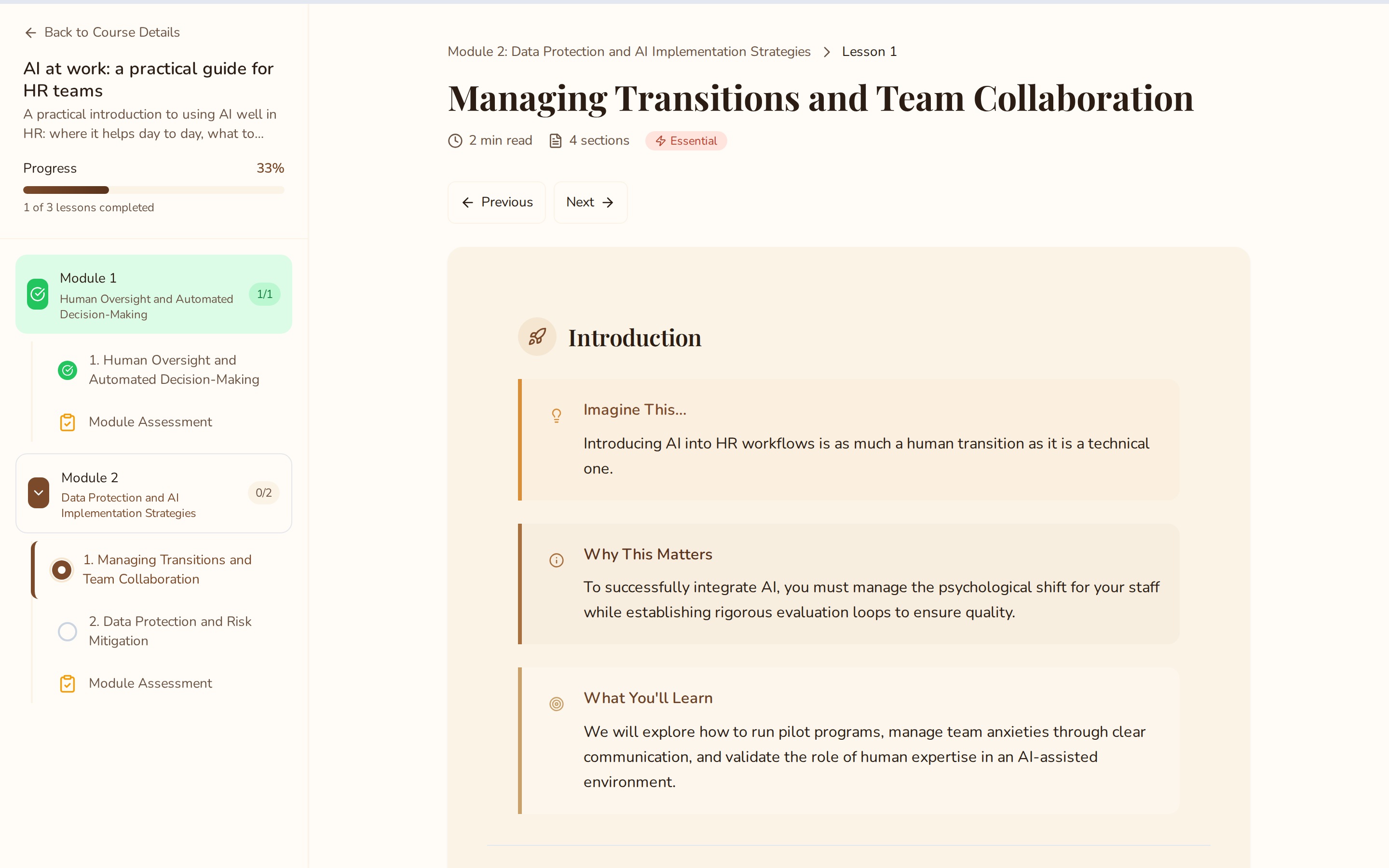
Real Skill7 screen.
Learning that fits their day.
Lessons and quizzes right here in Skill7, with enrolment and progress built in.
How it works
From what your team knows to a finished course.
- 01
Bring what you know
Your SOPs, handbooks and policies, as PDF or Word files, web pages or pasted text.
- 02
Plan
Skill7 maps what your documents cover into a clear course plan, organised into modules.
- 03
Shape
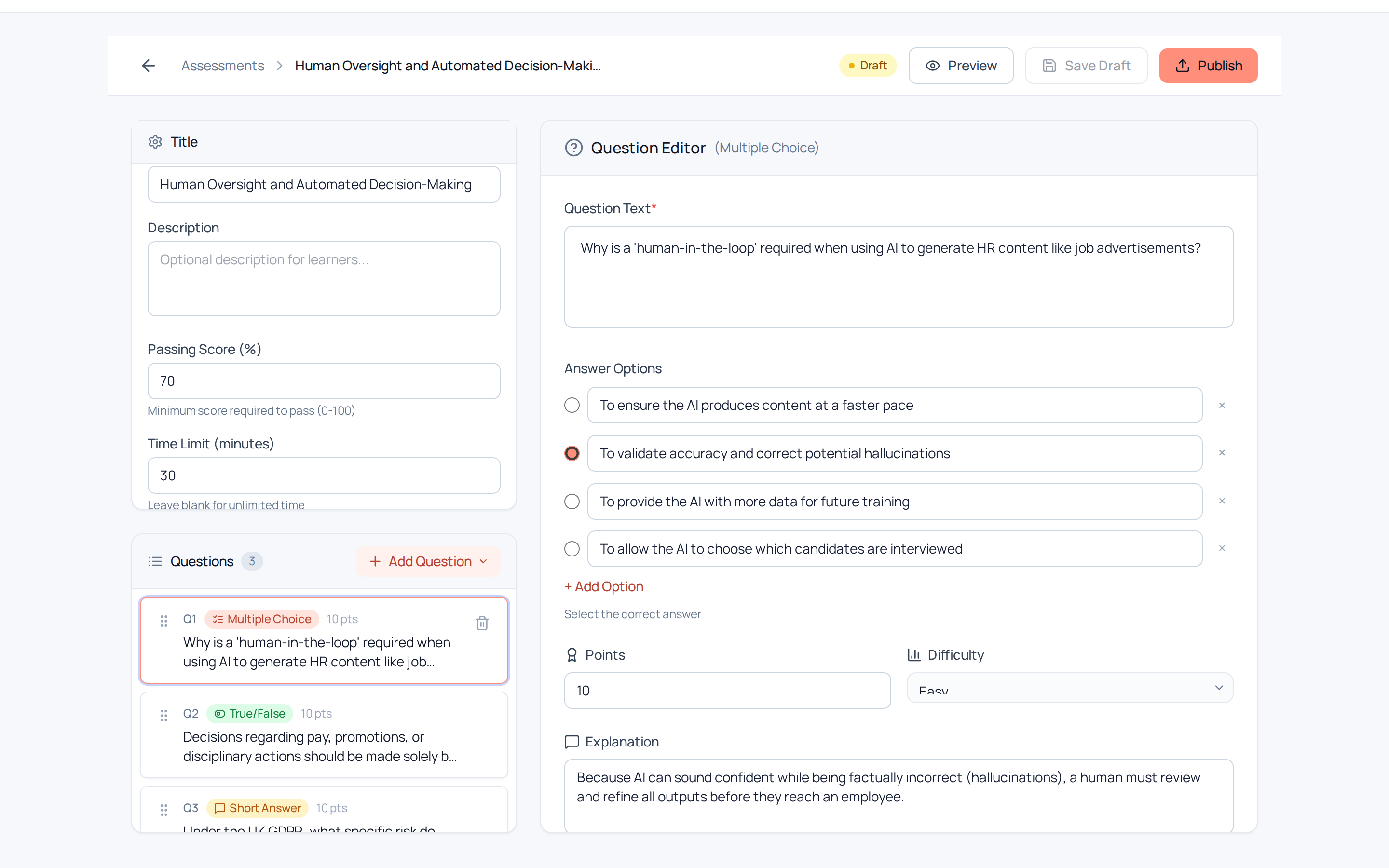
Skill7’s AI assistant drafts lessons, diagrams, flashcards and quizzes, in a scroll or slide format.
- 04
Polish
Review and edit every lesson, so it reads in your words.
- 05
Share
Share with your team in Skill7, with enrolment, progress and completion reporting built in, or export SCORM 1.2 or 2004, xAPI, cmi5 or DOCX.
Inside Skill7
Everything you need to shape, polish and share.
Real Skill7 screen.
Real Skill7 screen.
Real Skill7 screen.
Real Skill7 screen.
Real Skill7 screen.
Use cases
Training for every part of your growing team.
- OnboardingWelcome every new starter into your way of doing things, from day one.
- Compliance & safetyTurn your own policies and procedures into training everyone understands, with quizzes that show what they’ve learned.
- AI at workGive everyone clear, friendly guidance on using AI tools the way your company does.
- Customer trainingShare your expertise with customers and partners as guided courses.
Your documents
Your documents stay yours.
Your handbooks hold how your company works. Here’s how we look after them.
Built from your documents
Your documents are used to build your courses. We don’t use them to train AI models.
You review everything
Every lesson can be reviewed and edited before you share it.
Privacy-friendly analytics
Our site analytics are cookieless until you choose otherwise, and hosted in the EU.
Yours to remove
Ask us at hello@skill7.ai and we’ll delete the details you’ve shared with us.
For eLearning studios & freelance IDs
Made for studios, shaped with partners.
Give every client their own workspace and brand kit, deliver standard SCORM packages, and help shape what Skill7 does next.
Design partners and advisors
Help shape Skill7
We're working with a small group of design partners and advisors: teams, studios and people who've run training. If that's you, we'd love to talk.
SCORM, made simple
Not sure what SCORM is? You don’t need to be.
It's the file format most learning platforms accept. Skill7 produces it for you, and it tracks completions and quiz scores automatically.
Early-access pricing
From £29.50 a month
About £1.18 per learner a month · no setup fees
Do I need an LMS to use Skill7?
No. You can share courses with learners directly in Skill7. If you already use a learning platform, export a SCORM package and upload it there.
What documents can I upload?
PDF and Word files, web pages, or pasted text. A handbook or SOP your team already uses is a great place to start. Slide decks work too, once saved as PDF.
What happens to my documents?
They’re used to build your courses. We don’t use them to train AI models. If you’d like more detail on how our AI providers handle your data, email us at hello@skill7.ai.
When can I get access?
We're onboarding small teams in waves. Join the waitlist and we'll email you when there's a spot.
How much will it cost?
Plans start at £29.50 a month in early access (£59 after your first 12 months), with unlimited authors. See our pricing page for every plan.
Be first to build with Skill7.
We’re welcoming small teams in waves. Join the waitlist and we’ll be in touch.
You're in — step 1 of 3
We'll be in touch by email when there's a spot for your team.
What happens next
You join
Tell us about your team and what you’d love to share.
We reach out
We welcome small teams in waves and email you when a spot opens.
You build
Bring your documents and shape your first course with Skill7.
Read the SCORM guideWhy we built Skill7
Help us prepare (optional)
A little more helps us plan your first course together.